I love it and it works like a magic I swear I don't know the creator but as soon as I downloaded it my type c earphone started working
100,000+
Connect USB Devices to Your Phone Instantly
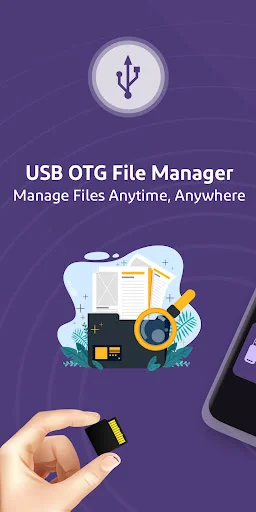
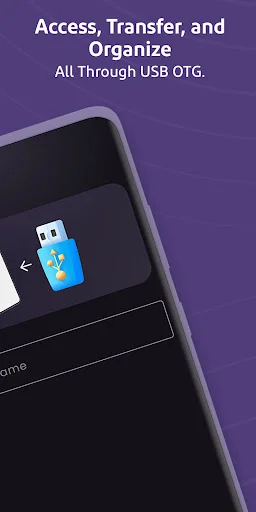
Access flash drives, external storage, and USB devices directly from your Android phone – no computer needed. Transfer files, check compatibility, and manage storage with one simple app.
100,000+
Connect USB Devices to Your Phone Instantly
Access flash drives, external storage, and USB devices directly from your Android phone – no computer needed. Transfer files, check compatibility, and manage storage with one simple app.
Everything You Need for USB Connections
1
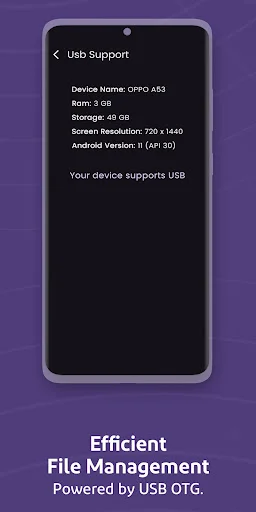
Check Compatibility First
Find out if your phone supports OTG before you buy cables or adapters. Our built-in checker tells you exactly what your device can handle, saving you time and money on accessories that won't work.
2
Manage Files Effortlessly
Copy photos, move videos, delete old documents, and rename folders with simple taps. Browse your connected devices in a clean layout that makes finding files quick and easy, even when you're in a hurry.
3
Expand Your Storage
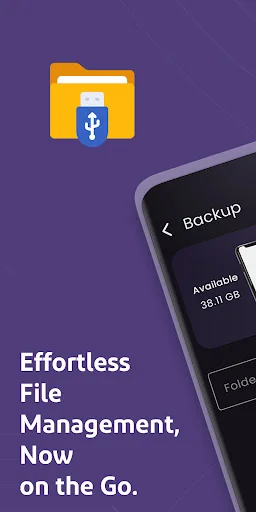
Plug in flash drives, SD cards, or external hard drives when your phone runs out of space. Access all your important files stored on USB devices without uploading to the cloud or needing an internet connection.
4
One App, Multiple Tools
Get a complete file manager, USB explorer, and connection tool in one place. Stop switching between different apps – handle all your phone files and connected storage from a single, convenient dashboard.
1
Check Compatibility First
Find out if your phone supports OTG before you buy cables or adapters. Our built-in checker tells you exactly what your device can handle, saving you time and money on accessories that won't work.
2
Manage Files Effortlessly
Copy photos, move videos, delete old documents, and rename folders with simple taps. Browse your connected devices in a clean layout that makes finding files quick and easy, even when you're in a hurry.
3
Expand Your Storage
Plug in flash drives, SD cards, or external hard drives when your phone runs out of space. Access all your important files stored on USB devices without uploading to the cloud or needing an internet connection.
4
One App, Multiple Tools
Get a complete file manager, USB explorer, and connection tool in one place. Stop switching between different apps – handle all your phone files and connected storage from a single, convenient dashboard.
About
USB OTG Checker & Manager - Connect And Manage USB Devices Easily!
USB OTG Checker & Manager helps you check OTG support, connect external storage, and manage files from your Android phone. Open the app, plug in a compatible adapter, and browse your connected device without needing a computer.
OTG USB Driver For Android is useful when you want smoother access to USB devices, flash drives, card readers, and external storage. USB Flash Drive: OTG Adapter makes file access easier when you need to move photos, videos, music, documents, or folders.
Main Features:
- USB Storage: OTG Explorer - Browse connected storage and view files in a simple layout
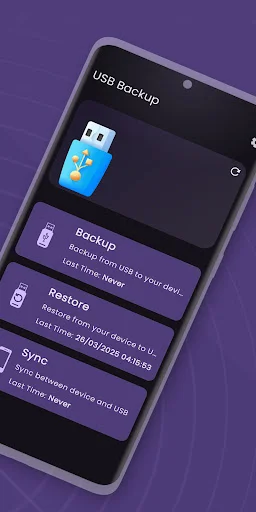
- OTG File Manager: USB Connector - Copy, move, delete, rename, and manage files
- USB Tether Tool - Use helpful USB connection tools for supported devices
- US File Manager App - Organize phone files and connected storage in one place
- USB OTG Checker & Manager - Check OTG support before using external devices
- OTG USB Driver For Android - Improve how your phone handles connected USB storage
- USB Flash Drive: OTG Adapter - Access flash drives with a compatible OTG cable
Access Flash Drives, SD Cards, And External Storage!
USB Storage: OTG Explorer helps when you want to open files from a flash drive, memory card, or external storage device. It keeps browsing simple, so you can find what you need without digging through confusing folders. OTG File Manager: USB Connector gives you practical controls for everyday file tasks. You can move documents, copy pictures, remove old files, and keep your storage cleaner.
USB Tether Tool supports users who need basic USB connection utilities in one handy place. It works best when your phone, cable, and connected device support the required function.
How To Use:
- Open US File Manager App and check your phone files
- Use USB OTG Checker & Manager to confirm OTG support
- Connect your device with OTG USB Driver For Android support
- Plug in USB Flash Drive: OTG Adapter through a compatible cable
- Browse files with USB Storage: OTG Explorer
- Manage folders through OTG File Manager: USB Connector
Smart Tools For File Transfer And Storage:
USB Tether Tool is helpful when you want a simple place for USB-related functions. Whether you are transferring files, checking connected storage, or managing folders, the app keeps the process clear for daily use. USB Storage: OTG Explorer keeps connected files easy to view and control. OTG File Manager: USB Connector adds the tools you need for simple file management, while US File Manager App keeps your phone storage neat and easier to use.
US File Manager App also helps you organize local files on your phone. You can review downloads, media, folders, and connected storage without switching between too many screens.
USB OTG Checker & Manager works well for users who often connect flash drives, card readers, keyboards, mice, or other supported USB devices. It helps you understand what your phone can handle before you start moving files.
Why Choose This App?
OTG USB Driver For Android gives you a practical way to manage supported USB connections from your phone. It is useful for students, workers, travelers, and anyone who keeps files on external storage. USB Flash Drive: OTG Adapter makes file access more flexible when storage space matters. You can open, move, and manage important content with fewer steps.
About
USB OTG Checker & Manager - Connect And Manage USB Devices Easily!
USB OTG Checker & Manager helps you check OTG support, connect external storage, and manage files from your Android phone. Open the app, plug in a compatible adapter, and browse your connected device without needing a computer.
OTG USB Driver For Android is useful when you want smoother access to USB devices, flash drives, card readers, and external storage. USB Flash Drive: OTG Adapter makes file access easier when you need to move photos, videos, music, documents, or folders.
Main Features:
- USB Storage: OTG Explorer - Browse connected storage and view files in a simple layout
- OTG File Manager: USB Connector - Copy, move, delete, rename, and manage files
- USB Tether Tool - Use helpful USB connection tools for supported devices
- US File Manager App - Organize phone files and connected storage in one place
- USB OTG Checker & Manager - Check OTG support before using external devices
- OTG USB Driver For Android - Improve how your phone handles connected USB storage
- USB Flash Drive: OTG Adapter - Access flash drives with a compatible OTG cable
Access Flash Drives, SD Cards, And External Storage!
USB Storage: OTG Explorer helps when you want to open files from a flash drive, memory card, or external storage device. It keeps browsing simple, so you can find what you need without digging through confusing folders. OTG File Manager: USB Connector gives you practical controls for everyday file tasks. You can move documents, copy pictures, remove old files, and keep your storage cleaner.
USB Tether Tool supports users who need basic USB connection utilities in one handy place. It works best when your phone, cable, and connected device support the required function.
How To Use:
- Open US File Manager App and check your phone files
- Use USB OTG Checker & Manager to confirm OTG support
- Connect your device with OTG USB Driver For Android support
- Plug in USB Flash Drive: OTG Adapter through a compatible cable
- Browse files with USB Storage: OTG Explorer
- Manage folders through OTG File Manager: USB Connector
Smart Tools For File Transfer And Storage:
USB Tether Tool is helpful when you want a simple place for USB-related functions. Whether you are transferring files, checking connected storage, or managing folders, the app keeps the process clear for daily use. USB Storage: OTG Explorer keeps connected files easy to view and control. OTG File Manager: USB Connector adds the tools you need for simple file management, while US File Manager App keeps your phone storage neat and easier to use.
US File Manager App also helps you organize local files on your phone. You can review downloads, media, folders, and connected storage without switching between too many screens.
USB OTG Checker & Manager works well for users who often connect flash drives, card readers, keyboards, mice, or other supported USB devices. It helps you understand what your phone can handle before you start moving files.
Why Choose This App?
OTG USB Driver For Android gives you a practical way to manage supported USB connections from your phone. It is useful for students, workers, travelers, and anyone who keeps files on external storage. USB Flash Drive: OTG Adapter makes file access more flexible when storage space matters. You can open, move, and manage important content with fewer steps.
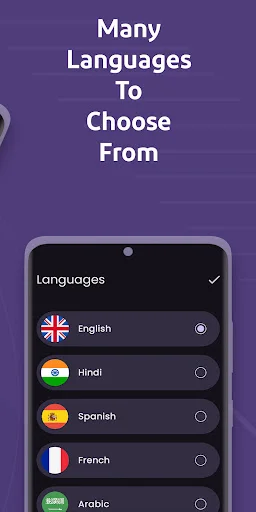
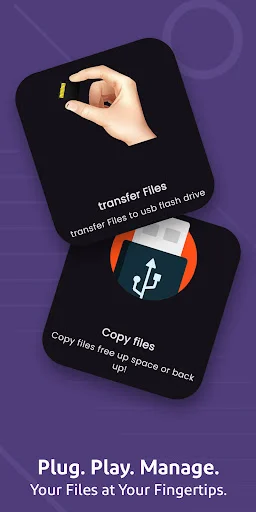
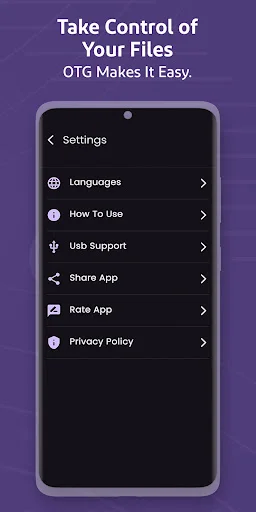
See How Simple File Access Can Be
Trusted by Thousands of Users
it contains My files with an excellent way all the files are secured and its got no limit for So I loveit more than Q
Very and nice work. It warks with android for connecting with external 2tb sata drive.
WORKZ EVERYTIME FOR ME, GALAXY 25 ULTRA
good app , using it whenever required.
Helped me find out the problem.