this was the only application that worked on my older TV

500,000+
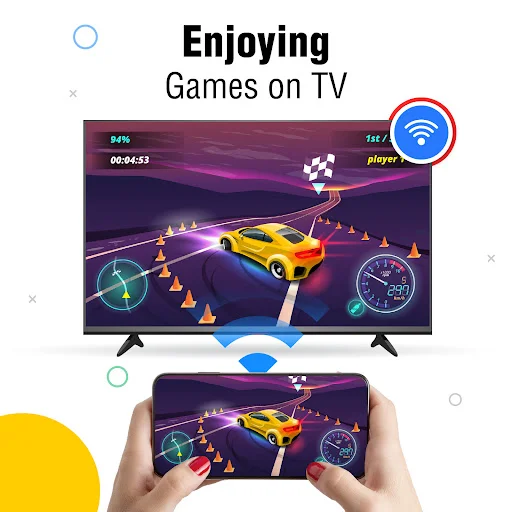
Share Your Phone on Any TV Screen
Connect wirelessly and enjoy photos, videos, and music on your TV. No cables, no hassle – just simple casting that works in seconds.
500,000+
Share Your Phone on Any TV Screen
Connect wirelessly and enjoy photos, videos, and music on your TV. No cables, no hassle – just simple casting that works in seconds.
Everything You Need for Easy Wireless Sharing
1
No Cables Required
Connect your phone to your TV through Wi-Fi and forget about messy wires. Set up takes just seconds, and you can start sharing right away with a clean, simple setup.
2
Share Any Content Type
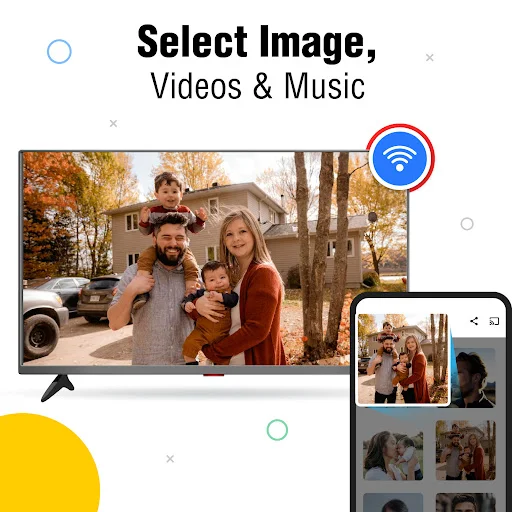
Cast photos from your last trip, play videos in HD, stream music through better speakers, or mirror your browsing. One app handles all your sharing needs on the big screen.
3
Connect in Seconds
Simple controls make pairing easy for everyone. Just tap to search for your TV, select it, and start casting. No technical skills or complicated steps needed.
4
Perfect for Group Viewing
Stop passing your phone around the room. Show family photos, watch videos together, or give quick presentations where everyone can see clearly and comfortably on a bigger display.
1
No Cables Required
Connect your phone to your TV through Wi-Fi and forget about messy wires. Set up takes just seconds, and you can start sharing right away with a clean, simple setup.
2
Share Any Content Type
Cast photos from your last trip, play videos in HD, stream music through better speakers, or mirror your browsing. One app handles all your sharing needs on the big screen.
3
Connect in Seconds
Simple controls make pairing easy for everyone. Just tap to search for your TV, select it, and start casting. No technical skills or complicated steps needed.
4
Perfect for Group Viewing
Stop passing your phone around the room. Show family photos, watch videos together, or give quick presentations where everyone can see clearly and comfortably on a bigger display.
About
TV Casting: Screen Mirroring App - View Your Phone On A Bigger Display!
TV Casting: Screen Mirroring App will assist you in connecting your phone to a smart display so you can enjoy photos, videos, audio, browsing, and mobile content on a larger view. It is useful for family viewing, quick presentations, movie nights, music playback, and sharing phone content without cables.
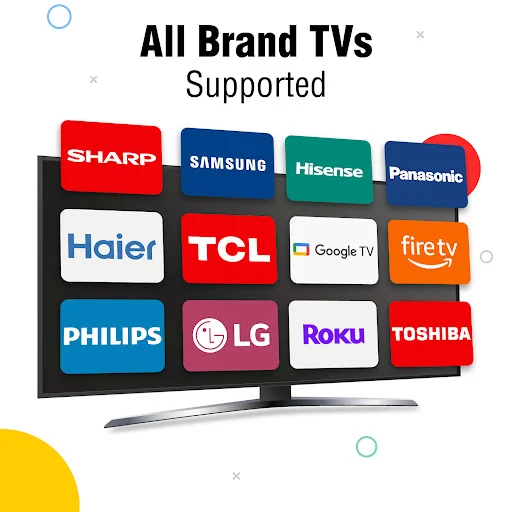
Cast To TV: Mirror Screen helps you send mobile media to a supported smart display through the same Wi-Fi network. Share Screen: TV Mirroring gives you a simple way to show what is on your phone when friends, family, or coworkers need to see it clearly.
Wireless Display Tools:
- Screen Casting App - Connect your phone to a supported display through Wi-Fi
- Screen Sharing: Mirror Cast TV - Show mobile content on a larger view without cables
- TV Casting: Screen Mirroring App - Mirror phone activity for photos, videos, and browsing
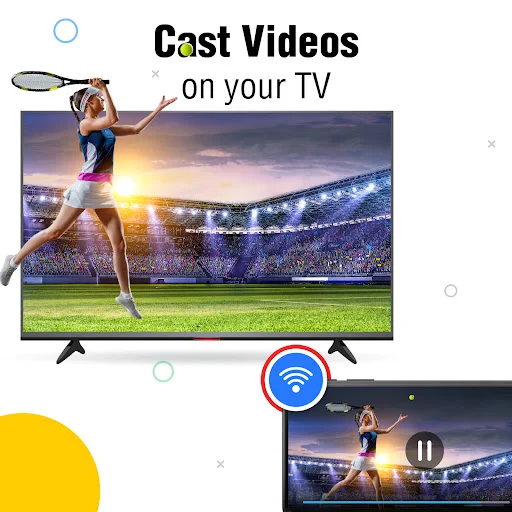
- Cast To TV: Mirror Screen - Play HD videos and media on a smart display
- Share Screen: TV Mirroring - Present pictures, clips, and phone content more clearly
- Audio Playback - Listen to songs, podcasts, or other sound through bigger speakers
- Easy Controls - Search, connect, and start sharing with a few taps
Cast photos, play videos, share audio, and mirror your phone!
Screen Casting App is helpful when you want to enjoy mobile content on a wider display instead of keeping everything on a small phone view. You can show family photos, play saved videos, open media files, or browse content with easier visibility.
Screen Sharing: Mirror Cast TV works through wireless connection, so you do not need extra cables for normal setup. For the best connection, your phone and smart display should be connected to the same Wi-Fi network before pairing.
Quick Connection Guide:
- Connect your phone and smart display to the same Wi-Fi network
- Open TV Casting: Screen Mirroring App, and start searching for available devices
- Use Cast To TV: Mirror Screen after selecting the display you want
- Enable wireless display or cast mode from your phone settings if needed
- Open Screen Casting App when you want to show videos, photos, or audio
- Try Share Screen: TV Mirroring for presentations, family viewing, or browsing
- Use Screen Sharing: Mirror Cast TV to complete pairing and begin viewing
Photos, Videos, And Mobile Content:
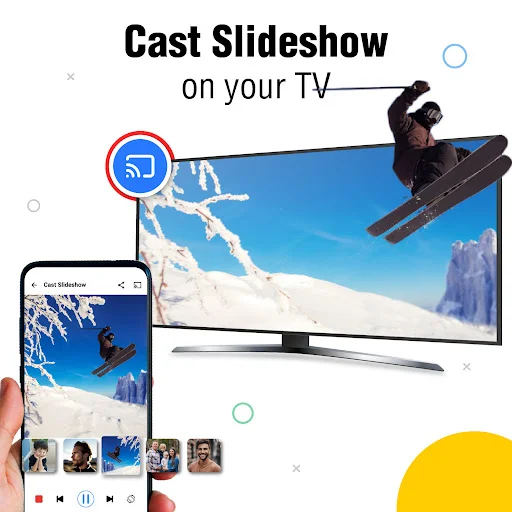
A larger display can make simple moments feel better, especially when several people are watching together. You can show vacation photos, play HD clips, open saved media, or browse from your phone while everyone sees the content more comfortably. The app is also useful when you want to share memories, explain something visually, or enjoy entertainment without passing your phone around.
Audio, Browsing, And Everyday Sharing:
The app can also help with music, podcasts, or other sound when you want playback through stronger speakers. Wireless casting keeps the setup cleaner, and the simple interface makes it easier to connect without complicated steps. Once paired, you can enjoy media, browsing, and mirrored phone activity on a bigger display.
Make Phone Content Easier To Share!
With Wi-Fi connection, device search, mirroring controls, photo sharing, video playback, audio support, and a simple setup flow, this app gives you a practical way to enjoy mobile content on a smart display. It is made for quick daily use, family moments, entertainment, and easy wireless viewing.
About
TV Casting: Screen Mirroring App - View Your Phone On A Bigger Display!
TV Casting: Screen Mirroring App will assist you in connecting your phone to a smart display so you can enjoy photos, videos, audio, browsing, and mobile content on a larger view. It is useful for family viewing, quick presentations, movie nights, music playback, and sharing phone content without cables.
Cast To TV: Mirror Screen helps you send mobile media to a supported smart display through the same Wi-Fi network. Share Screen: TV Mirroring gives you a simple way to show what is on your phone when friends, family, or coworkers need to see it clearly.
Wireless Display Tools:
- Screen Casting App - Connect your phone to a supported display through Wi-Fi
- Screen Sharing: Mirror Cast TV - Show mobile content on a larger view without cables
- TV Casting: Screen Mirroring App - Mirror phone activity for photos, videos, and browsing
- Cast To TV: Mirror Screen - Play HD videos and media on a smart display
- Share Screen: TV Mirroring - Present pictures, clips, and phone content more clearly
- Audio Playback - Listen to songs, podcasts, or other sound through bigger speakers
- Easy Controls - Search, connect, and start sharing with a few taps
Cast photos, play videos, share audio, and mirror your phone!
Screen Casting App is helpful when you want to enjoy mobile content on a wider display instead of keeping everything on a small phone view. You can show family photos, play saved videos, open media files, or browse content with easier visibility.
Screen Sharing: Mirror Cast TV works through wireless connection, so you do not need extra cables for normal setup. For the best connection, your phone and smart display should be connected to the same Wi-Fi network before pairing.
Quick Connection Guide:
- Connect your phone and smart display to the same Wi-Fi network
- Open TV Casting: Screen Mirroring App, and start searching for available devices
- Use Cast To TV: Mirror Screen after selecting the display you want
- Enable wireless display or cast mode from your phone settings if needed
- Open Screen Casting App when you want to show videos, photos, or audio
- Try Share Screen: TV Mirroring for presentations, family viewing, or browsing
- Use Screen Sharing: Mirror Cast TV to complete pairing and begin viewing
Photos, Videos, And Mobile Content:
A larger display can make simple moments feel better, especially when several people are watching together. You can show vacation photos, play HD clips, open saved media, or browse from your phone while everyone sees the content more comfortably. The app is also useful when you want to share memories, explain something visually, or enjoy entertainment without passing your phone around.
Audio, Browsing, And Everyday Sharing:
The app can also help with music, podcasts, or other sound when you want playback through stronger speakers. Wireless casting keeps the setup cleaner, and the simple interface makes it easier to connect without complicated steps. Once paired, you can enjoy media, browsing, and mirrored phone activity on a bigger display.
Make Phone Content Easier To Share!
With Wi-Fi connection, device search, mirroring controls, photo sharing, video playback, audio support, and a simple setup flow, this app gives you a practical way to enjoy mobile content on a smart display. It is made for quick daily use, family moments, entertainment, and easy wireless viewing.
See How Simple Casting Can Be
Join Thousands of Happy Users
Screen mirroring is a very best screen sharing application.such a great application with remarkable features.😇
Screen mirroring is best app for all user who can using tv . Its good app .good working
easy to connect. amazing app.👏
💯 i have found no flaw in it
It shares clear screen💯