First day using this app and works really really great. 5 STAR. Till now I didn't got a ban and I don't even think I'll get one. But, this adds some third-party files in your games files. So, 99% You won't get banned while using this. RECOMMENDED SETTINGS Put your graphics resolution to 960x540 as any game your in android or ios is 720p. You will get extreme to 90fps (on POCO X3 PRO at HDR+Extreme) Must Try app, If struggling with fps.

1,000,000+
Unlock Hidden Graphics for Ultimate Gameplay
Transform your mobile gaming experience with professional graphics optimization. Get smoother FPS, stunning HDR visuals, and competitive performance – all without buying a new phone.
1,000,000+
Unlock Hidden Graphics for Ultimate Gameplay
Transform your mobile gaming experience with professional graphics optimization. Get smoother FPS, stunning HDR visuals, and competitive performance – all without buying a new phone.
Level Up Your Game Performance
1
Unlock Extreme FPS Levels
Access HDR graphics and frame rates up to 90 FPS that are normally locked on your device. Experience buttery-smooth gameplay that gives you a competitive edge in every match.
2
Simple One-Tap Optimization
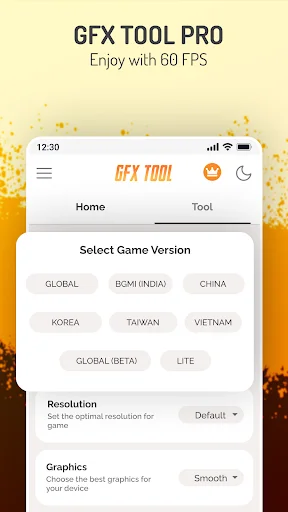
Choose your game version, customize your settings, and launch – it's that easy. No technical skills needed. Get professional-level graphics optimization in seconds.
3
Perfect for Any Device
Whether you have a budget phone or mid-range device, optimize graphics to match your hardware capabilities. Great gaming doesn't require expensive upgrades anymore.
4
Save Your Perfect Setup
Keep your ideal graphics settings, sensitivity configurations, and layouts saved. Switch between games effortlessly and enjoy consistent performance every time you play.
1
Unlock Extreme FPS Levels
Access HDR graphics and frame rates up to 90 FPS that are normally locked on your device. Experience buttery-smooth gameplay that gives you a competitive edge in every match.
2
Simple One-Tap Optimization
Choose your game version, customize your settings, and launch – it's that easy. No technical skills needed. Get professional-level graphics optimization in seconds.
3
Perfect for Any Device
Whether you have a budget phone or mid-range device, optimize graphics to match your hardware capabilities. Great gaming doesn't require expensive upgrades anymore.
4
Save Your Perfect Setup
Keep your ideal graphics settings, sensitivity configurations, and layouts saved. Switch between games effortlessly and enjoy consistent performance every time you play.
About
GFX Tool is a fantastic utility Game launcher for specific games where you can fully customize the game graphics to get beautiful pictures and smooth gameplay. 🎮
The Ultimate GFX Tool - Enhance your gaming experience!
GFX Tool Features
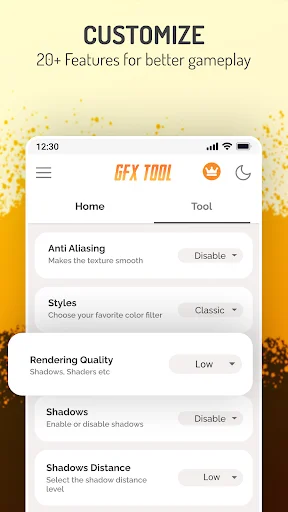
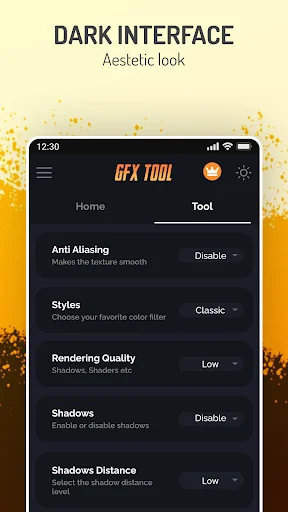
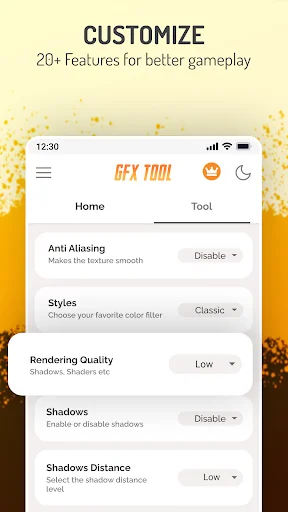
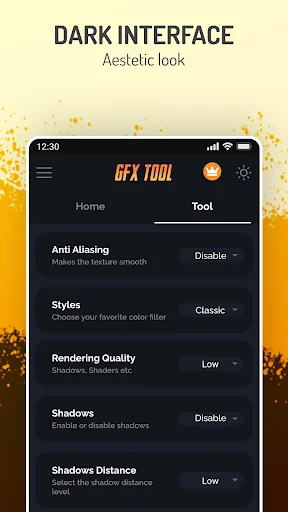
- Change resolution
- Unlock HDR graphics and all FPS levels
- Fully control Anti-aliasing and shadows
- Textures quality, MSAA,
- Simple Shaders, Potato graphics
- Save My Layout & Sensitivity Settings
- All game versions are supported
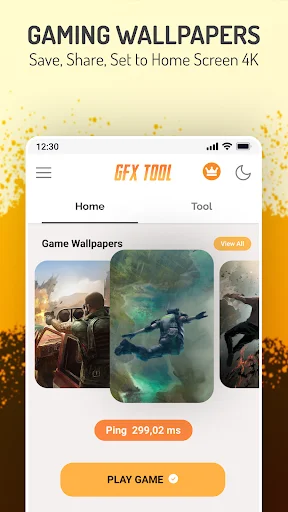
- Ping Monitor
- And many more other valuable options
Improve the gaming experience and unlock the phone's full potential.
How to use GFX Tool
- Close game if it's currently running before starting GFX Tool
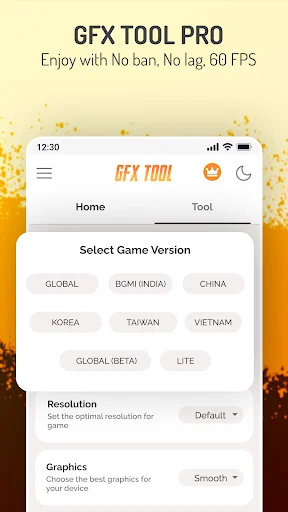
- Choose your version of your game
- Customize the graphics according to your desires and device capabilities.
- Once everything is set, click on Accept and Run Game
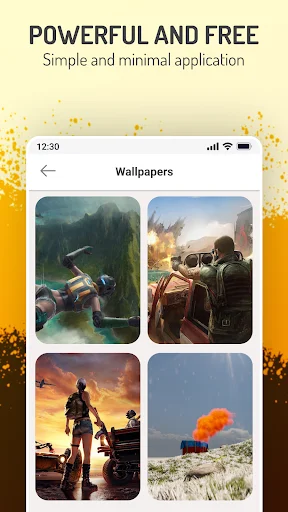
Gaming Wallpaper
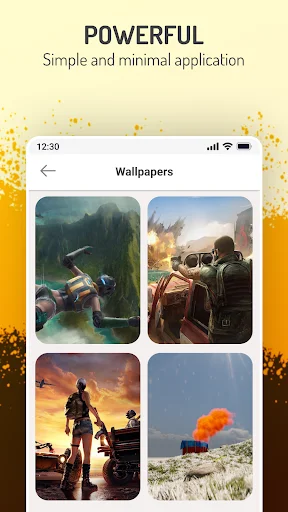
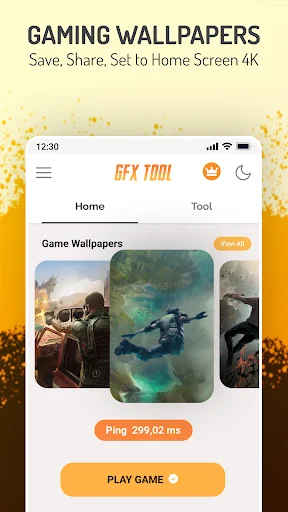
- Browse Daily 4K, HD Amazing gaming wallpaper
- Share gaming wallpaper With Friends And Set Wallpaper as the home screen
- Support 10+ languages
- Easy And Minimal App,
GFX Tool - Fantastic Gaming Experience Enhancer
So What Are You Waiting For? Start using GFX Tool and Get Your Chicken Dinner ❤
DISCLAIMER: This is an UNOFFICIAL application for specific games. This application is not associated in any way with other brands and developers.
About
GFX Tool is a fantastic utility Game launcher for specific games where you can fully customize the game graphics to get beautiful pictures and smooth gameplay. 🎮
The Ultimate GFX Tool - Enhance your gaming experience!
GFX Tool Features
- Change resolution
- Unlock HDR graphics and all FPS levels
- Fully control Anti-aliasing and shadows
- Textures quality, MSAA,
- Simple Shaders, Potato graphics
- Save My Layout & Sensitivity Settings
- All game versions are supported
- Ping Monitor
- And many more other valuable options
Improve the gaming experience and unlock the phone's full potential.
How to use GFX Tool
- Close game if it's currently running before starting GFX Tool
- Choose your version of your game
- Customize the graphics according to your desires and device capabilities.
- Once everything is set, click on Accept and Run Game
Gaming Wallpaper
- Browse Daily 4K, HD Amazing gaming wallpaper
- Share gaming wallpaper With Friends And Set Wallpaper as the home screen
- Support 10+ languages
- Easy And Minimal App,
GFX Tool - Fantastic Gaming Experience Enhancer
So What Are You Waiting For? Start using GFX Tool and Get Your Chicken Dinner ❤
DISCLAIMER: This is an UNOFFICIAL application for specific games. This application is not associated in any way with other brands and developers.
See the Difference in Action
Join Over 1 Million Satisfied Gamers
I'd even give it a 10 if it were there.This tool allows you to use the frame rate even up to extreme and I've experienced pubg in my 3gb Ram mobile at the best level.Graphics and movements,it's flowing like water.I have exactly 0 points of complaints for this app.I do recommend highly for low Ram android users.
Very easy to use and it makes my pubgm game smoother, look all you need to do is to go in the app and reduce the graphicx, then, you enter your pubgm game and increase at the highest graphicx you're phone is in your pubgm.... (the abbitual graphic of you're pubgm)...... Thanks. Plzz like if it was helpful... 😊
one of the few that works for Mobile Legends.. ideally for devices without High Framerate Mode. I've tried everything to get 60FPS on ML. my tablet doesn't have the HFR option. and this is by far the best tool... so smooth gameplay. no developer mode needed.
It's the very good application for GFX Tool for PUBG games. This application is very easy and very helpful app. This application I really recommend. This application I am use a long time. I love this application... Thank you for every one.
Great app , I used other gfx apps and after the 1.7 update it won't work, then I found this app it really working , you can enable 60-90fps for free but it will not show in your in game settings but don't worry you can feel the smoothnes